In today’s fast-moving digital world, social media success depends heavily on engaging, high-quality video content. Whether you’re an influencer, brand, or content creator, videos are the most powerful way to capture attention and grow your audience. This is where a music video maker becomes a game-changer.
With the help of AI-powered tools, creating visually stunning music videos is no longer limited to professionals. You can now produce eye-catching content in minutes using simple inputs. From Instagram Reels to YouTube Shorts, music videos are one of the most effective formats for boosting engagement and reaching a wider audience.
In this blog, we’ll explore creative ways to use a music video maker for social media growth and highlight the best free tools to get started.
What is a Music Video Maker?
A music video maker is a tool that helps users create videos synchronized with music using AI or built-in editing features. These tools can automatically generate visuals, match beats, add subtitles, and enhance storytelling.
Modern AI-powered platforms go even further by:
- Generating scripts from text prompts
- Creating scenes automatically
- Adding music, sound effects, and voiceovers
- Producing complete videos ready for publishing
This makes them ideal for both beginners and professionals.
Why Music Videos Work So Well on Social Media
Music-driven content performs exceptionally well because it:
- Captures attention quickly
- Evokes emotions
- Encourages sharing and engagement
- Aligns with trending sounds and formats
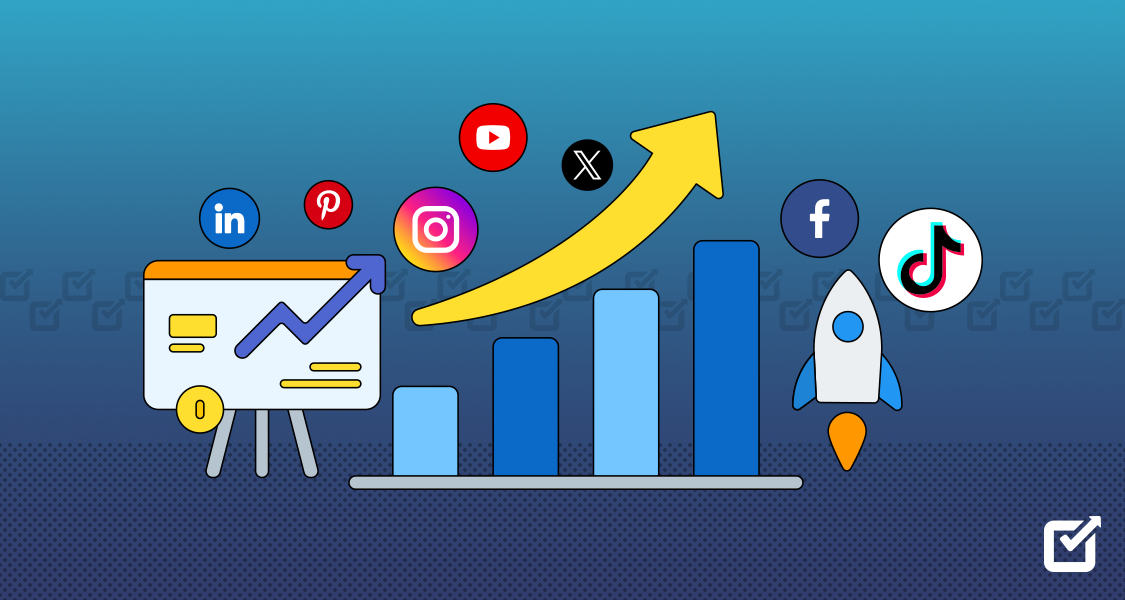
Platforms like Instagram, YouTube, and TikTok prioritize video content, making it essential for growth.
Creative Ways to Use a Music Video Maker for Social Media Growth
1. Create Viral Reels and Shorts
Short-form videos dominate social media. A music video maker allows you to quickly create engaging clips that align with trending audio.
Ideas:
- Dance or lip-sync videos
- Quick storytelling clips
- Trend-based content
👉 Result: Higher reach and discoverability.
2. Build a Strong Personal or Brand Identity
Consistency is key in branding. Music videos help establish a recognizable style.
How to use it:
- Use consistent color tones and themes
- Add branded intros/outros
- Create signature content formats
👉 Result: Stronger brand recall.
3. Turn Stories into Engaging Visual Content
Storytelling is one of the most powerful ways to connect with your audience.
With a music video maker, you can:
- Convert stories into visual narratives
- Add emotional background music
- Enhance storytelling with visuals
👉 Result: Better audience retention.
4. Promote Products Creatively
Businesses can use music videos to showcase products in a more engaging way.
Examples:
- Product highlights synced with music
- Before-and-after transformations
- Lifestyle-based product videos
👉 Result: Increased conversions and engagement.
5. Repurpose Content Across Platforms
One video can be reused across multiple platforms.
Strategy:
- Create one music video
- Resize and adapt for Instagram, YouTube, and Facebook
- Add platform-specific captions
👉 Result: Maximum reach with minimal effort.
6. Create Emotional and Motivational Content
Music enhances emotions, making it perfect for:
- Motivational videos
- Inspirational quotes
- Story-based reels
👉 Result: Higher shares and saves.
7. Collaborate with Trends and Challenges
Social media thrives on trends. Music video makers help you quickly jump on trending challenges.
👉 Result: Increased visibility and viral potential.
5 Best Free Music Video Maker Tools
Here are the top tools you can use to create stunning music videos. Each tool is explained in the same format for easy comparison.
1. Invideo
Overview:
Invideo is a powerful AI-driven music video maker that enables users to create complete videos from simple text inputs. By describing your idea, the platform generates a structured video with visuals, narration, and synchronized audio elements.
Key Features:
- Converts text prompts into full music video concepts
- Automatically creates scenes and visuals
- Adds music, voiceovers, subtitles, and sound effects
- Supports multiple styles and formats
- Allows easy editing through simple instructions
Best For:
Content creators, marketers, filmmakers, influencers, and businesses looking for fast and professional video creation.
Why Choose It:
Invideo simplifies the entire process by handling scripting, visuals, and audio in one place. It enables users to create polished music videos quickly without requiring technical skills, making it ideal for social media growth. Now, invideo is evolving into a powerhouse for AI filmmaking, offering exciting features like VFX House, Money Shot, Performances, Vision, and more.
2. Kapwing
Overview:
Kapwing is an online video editing platform that allows users to create and edit music videos.
Key Features:
- Audio synchronization tools
- Subtitle generation
- Online editing interface
- Supports multiple formats
Best For:
Creators looking for simple and collaborative editing.
Why Choose It:
Easy to use and accessible from any device.
3. Veed.io
Overview:
Veed.io is a browser-based video editor with AI features for creating music videos.
Key Features:
- AI subtitles and voiceovers
- Music synchronization
- Video editing tools
- Custom branding options
Best For:
Social media creators and marketers.
Why Choose It:
Combines editing and AI features in one platform.
4. FlexClip
Overview:
FlexClip is an AI-powered tool that helps users create music videos quickly from text or images.
Key Features:
- Text-to-video functionality
- Music integration
- Easy editing interface
- Quick rendering
Best For:
Beginners and small businesses.
Why Choose It:
Simple and efficient for quick video creation.
5. Clipchamp
Overview:
Clipchamp is a video editing tool with features for creating music videos and social media content.
Key Features:
- Drag-and-drop editing
- Audio and video effects
- Export in multiple formats
- Browser-based platform
Best For:
Creators and small businesses.
Why Choose It:
User-friendly and suitable for everyday video editing needs.
Role of Video Creator App in Music Video Creation
While a music video maker handles creation, video creator app help refine and optimize your content.
A good video creator app allows you to:
- Edit and enhance videos
- Add filters and effects
- Optimize for different platforms
- Track performance
Combining a music video maker with video creator app ensures a complete workflow—from creation to publishing.
Key Benefits of Using a Music Video Maker
1. Faster Content Creation
Create videos in minutes instead of hours.
2. Cost-Effective
No need for expensive production tools or teams.
3. Increased Engagement
Music videos attract more attention than static posts.
4. Scalability
Produce multiple videos for different campaigns.
Tips to Maximize Social Media Growth
To get the best results:
- Use trending music
- Keep videos short and engaging
- Add captions for better accessibility
- Maintain consistency in posting
- Experiment with different styles
Future of Music Video Creation
AI is transforming video creation, and music videos are no exception. In the future, we can expect:
- More advanced automation
- Better personalization
- Real-time video generation
- Integration with social media platforms
Final Thoughts
A music video maker is one of the most powerful tools for social media growth today. It allows creators and businesses to produce engaging, high-quality content quickly and efficiently.
When combined with video creator apps, you can create, edit, and distribute content seamlessly across platforms. This not only saves time but also helps you stay consistent and competitive in the ever-changing social media landscape.
If you’re looking to grow your audience, increase engagement, and stand out online, now is the perfect time to start using music video makers.